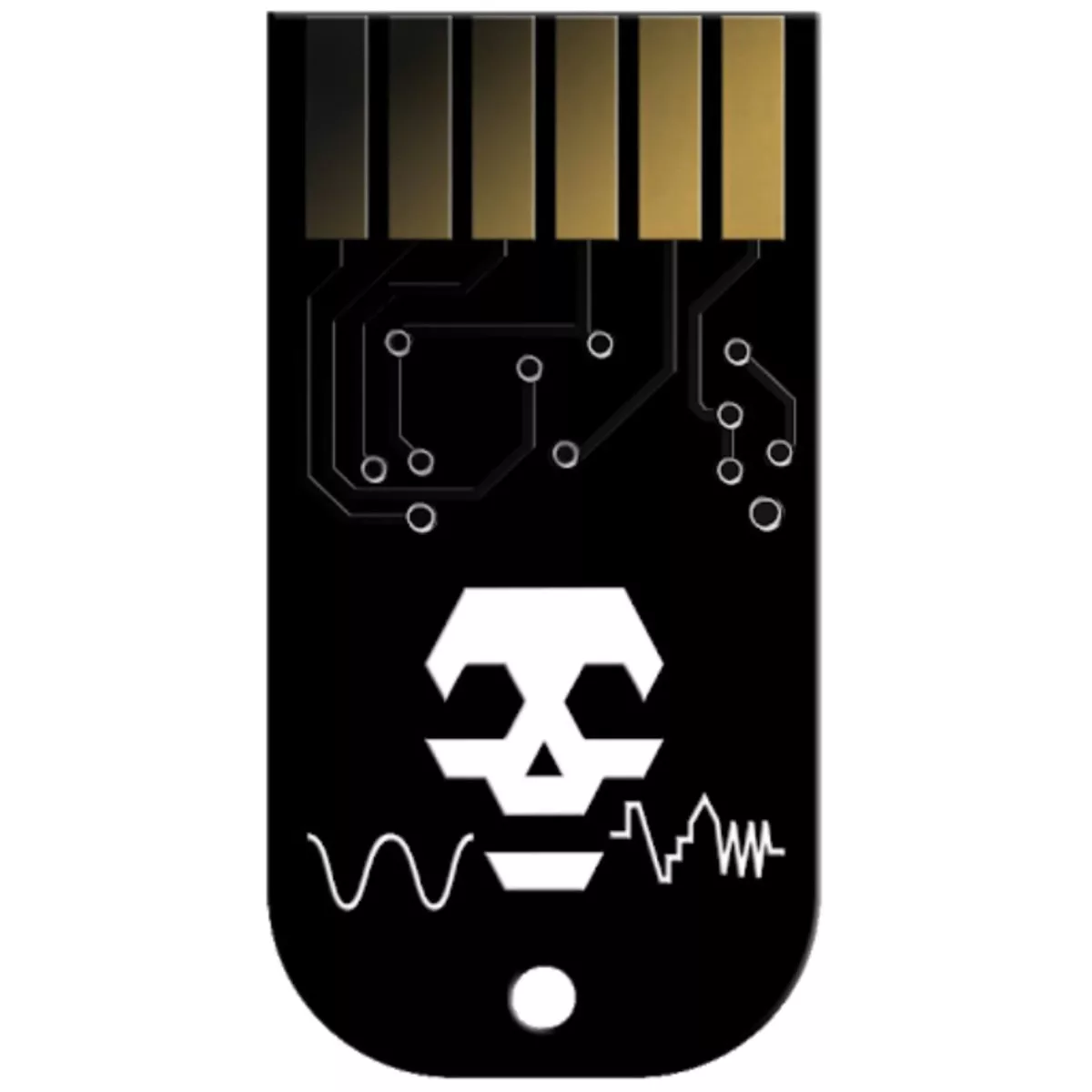
The Tiptop Audio and SEGOH BitROT is a collection of 8 Voltage-Controlled waveform-combination and bit-manipulation effects written by SEGOH (Sebastian Gutsfeld). The BitROT algorithms cover a wide range from soft ring modulation with stereo spread to glitchy distortion and harsh digital noise. Particular care was taken to create effects with consistent control parameters which allow the usage of the Z-DSPs sequential program control in a more musical way. The BitROT parameter defines the amount of harshness in the nonlinear combination of both inputs. Increase it to tear the bits apart or leave it at 0 to skip the waveform-combination and send the left input signal directly to the left output. All 8 effects include a ring modulation of the output signal with the right input (set the amount with the RMOD-R parameter). The right output is an inverted and delayed (0ms to 100ms) copy of the left output, controllable by the DLY-R parameter (try hard panning each output for nice stereo effects and mix both outputs or add some feedback for strange phase cancellations).
- Tiptop Audio and SEGOH BitROT Z-DSP Cartridge
- A Collection of 8 Voltage-Controlled Waveform-Combination and Bit-Manipulation Effects written by SEGOH AKA Sebastian Gutsfeld
- 8 BitROT Algorithms covering a wide range for soft Ring Modulation with Stereo Spread to Glitchy Distortion and Harsh Digital Noise
- Program 1: InterleaveL/R interleaved bitwise combination of both inputs (increase the BitROT parameter to select input bitmasks with longer word lengths)
- Program 2: XORSingle bits are XORed (true means the left input is sent to out, false the right input; Increase the BitROT parameter to select other positions for the bit comparison)
- Program 3: MIXBoth inputs are mixed together (increase the BitROT parameter to select the bitmask applied to the output)
- Program 4: MINThe minimum of both inputs (increase the BitROT parameter to select the bitmask applied to the output)
- Program 5: Interleave MIX/L/RInterleaved bitwise combination of the mix and both individual inputs (increase the BitROT parameter to select input bitmasks with longer word lengths)
- Program 6: C-GATEA muller c-gate to compare single bits; true means the left input is sent to out, false the right input (increase the BitROT parameter to select other positions for the bit comparison)
- Program 7: POS/NEGThe positive part of left input is mixed with the negative part of the right input (increase the BitROT parameter to select the bitmask applied to the output)
- Program 8: MAXThe maximum of both inputs (increase the BitROT parameter to select the bitmask applied to the output)
- Consistent Control Parameters throughout Programs